









Best Travel VPN 2026 (Why You Need One)
You don't need a VPN for most travel. But for streaming your home Netflix library on hotel WiFi at night, NordVPN is genuinely the one to use.
NordVPN is the one we recommend. Fast, reliable on streaming, works in China, and the two-year plan comes to roughly £3 a month.
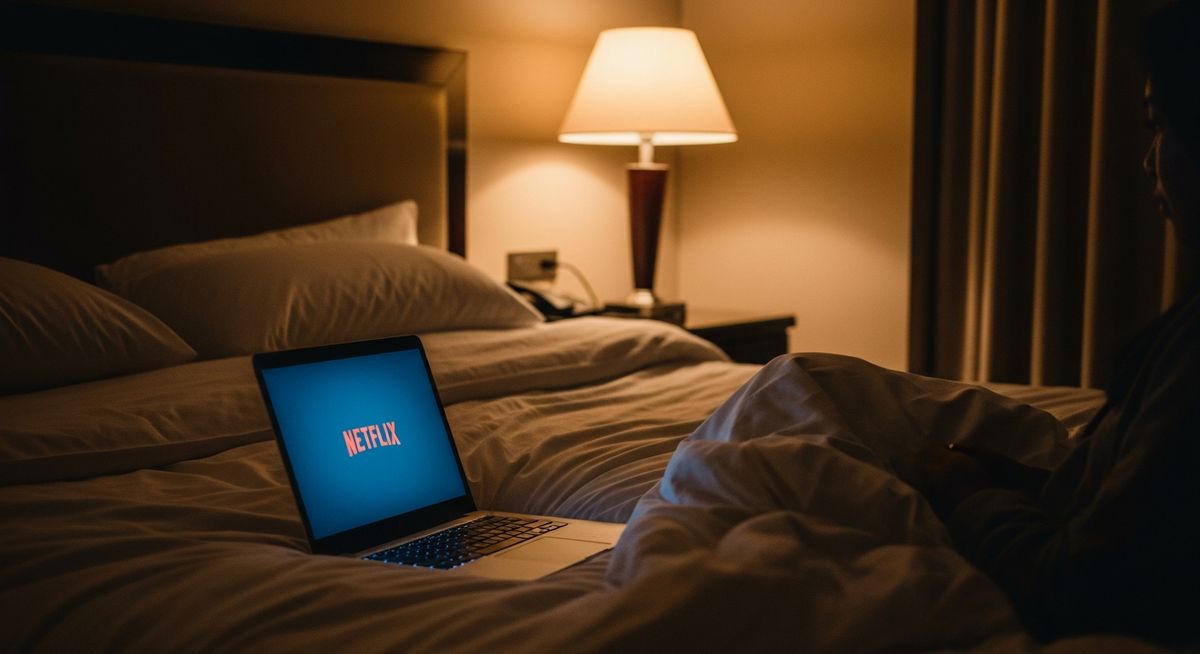
BBC iPlayer, Netflix UK, ITVX, all geo-restricted the moment you land abroad. NordVPN gets you back in with one tap.
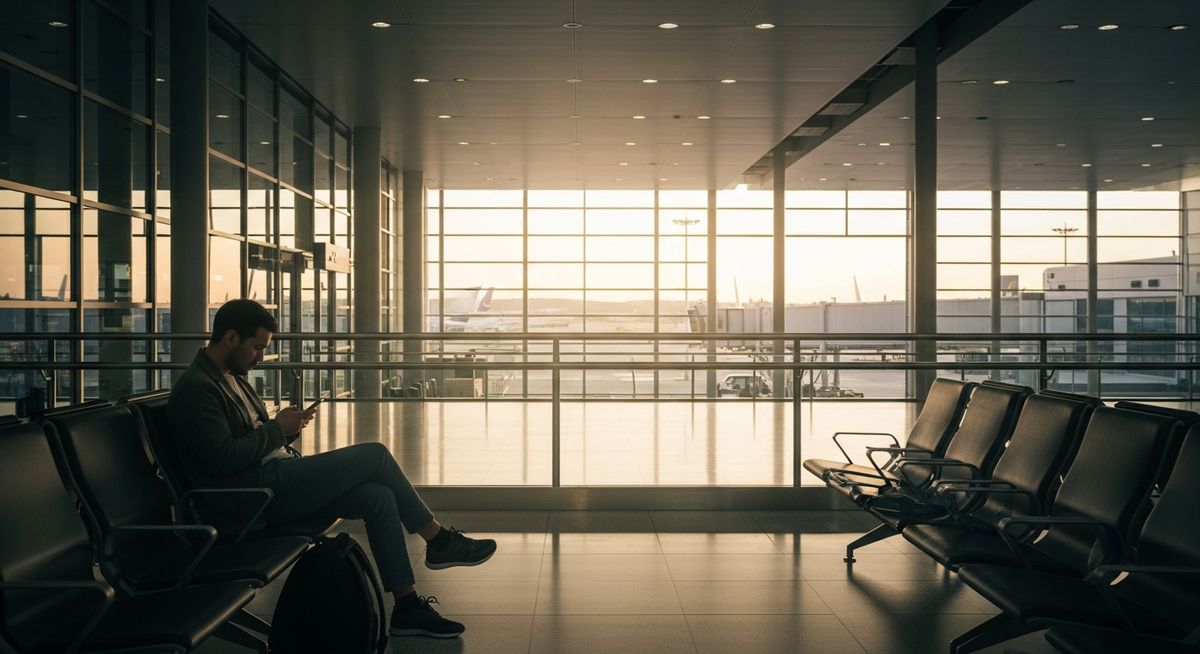
Airport WiFi is open to every device on the network. A VPN encrypts your traffic so nobody else on that connection can see what you're doing.
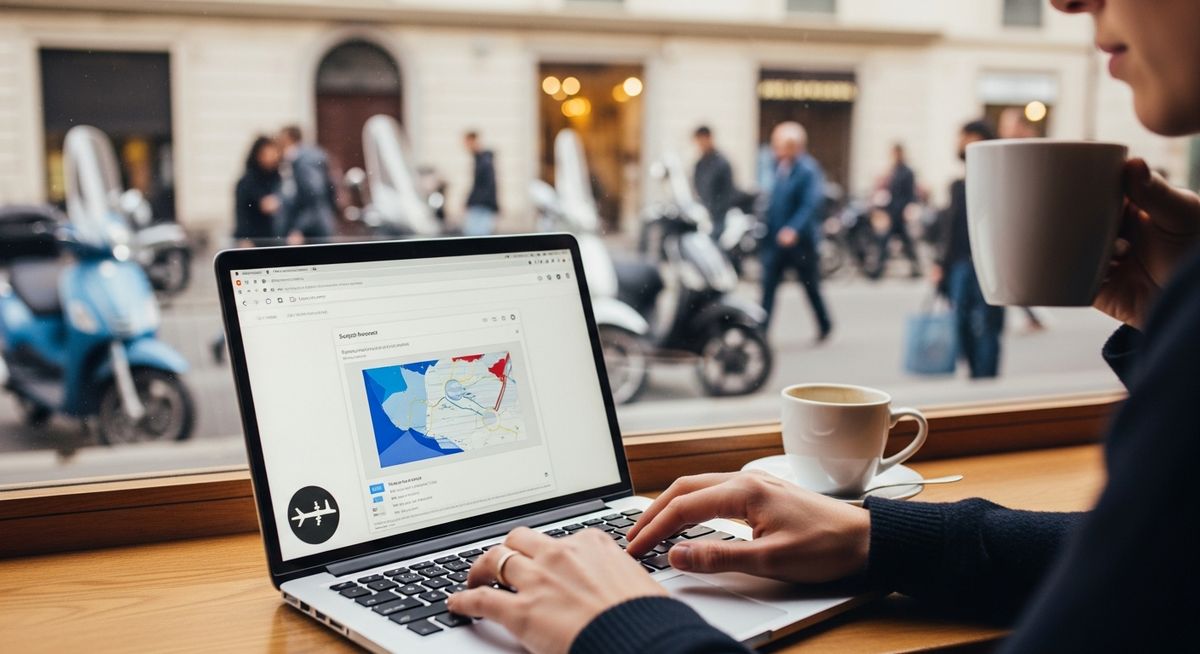
Public WiFi in cafes and co-working spaces abroad is the same story. One subscription, six devices, auto-connects the moment you join an open network.
If you've ever been told you "need a VPN" for travel and weren't sure if it was real advice or one of those things tech-bro travel YouTubers say because they get paid to, this is the article for you. We'll cover what a VPN actually does, where it genuinely matters when you're abroad, where it's overkill, and which one we end up reaching for. Affiliate links are marked. We earn a small cut if you buy through them -- that doesn't change what we recommend.
If you just want the short version: NordVPN is the one we use. It's the one we keep coming back to after trying others, and the two-year plan works out to about £3 a month -- roughly the cost of one bottled water at an airport. Grab the NordVPN 2-year plan (affiliate link).
"Unless you want to watch the local TV at night, you'll want a VPN to access Netflix and Disney+ from home. We personally use NordVPN." GO PAC team
What a VPN actually does (in plain English)
A VPN -- virtual private network -- does two practical things for a traveller. First, it encrypts your internet traffic between your device and the VPN's server. That means anything you do online, from checking your bank balance to logging into your email, becomes unreadable to anyone watching the connection -- the café, the airport, the hotel chain, the bored person sitting two tables over. Without a VPN, anyone on the same WiFi can theoretically see a lot of what you're doing. With a VPN, they see encrypted noise.
Second, a VPN lets you appear to be browsing from a different country. You connect to a UK server, every website thinks you're in the UK. You connect to a US server, every website thinks you're in the US. This is useful for boring practical things like accessing your bank (which often blocks foreign IPs), watching the iPlayer abroad (which checks you're in the UK), or using streaming services that have different content in different countries.
We've been approved as a NordVPN affiliate partner. If you sign up through our link, we earn a small commission at no extra cost to you. We use it ourselves -- that's the reason we applied. Get NordVPN here →
When a VPN actually matters when you're abroad
Public WiFi. The classic case. Airports, hotels, cafés, co-working spaces, train station lounges. Open WiFi networks are not inherently dangerous, but they're not private either. The network operator can see what you're connecting to, and so can other users with a tiny bit of know-how. A VPN puts an encrypted tunnel between your phone and the wider internet, so even on a sketchy hotel network in a country you don't know, your traffic stays your traffic.
Watching things from home. BBC iPlayer, ITVX, Channel 4 -- all geo-restricted to the UK. The moment you fly to Spain, they stop working. Connect to a UK server through a VPN and you're back in business. NordVPN handles this better than most in our experience, though no service is 100% bulletproof.
Bank logins. UK banks have got more aggressive about blocking foreign IP addresses to fight fraud. We've had Monzo lock us out from Bangkok, Starling go into freak-out mode from Bali, and HSBC pretend not to recognise the device we'd used yesterday from a hotel in Madrid. Connecting through a UK VPN server before logging in makes the connection look like it's coming from home.
The harder destinations. China is the obvious one -- Google, Gmail, WhatsApp, Instagram, Facebook, Wikipedia, every Western news site blocked. NordVPN has obfuscated servers specifically built to work in China and other restrictive countries. If you're heading to the UAE, Turkey, or anywhere with internet restrictions, install the app before you fly.
Always weigh your bag at home before you leave, every airline's carry-on limit is different, and the gate scale is the worst place to find out yours is over.
Why we use NordVPN
We've tried five or six different services over the years -- ExpressVPN, Surfshark, ProtonVPN, PIA, and a couple of cheaper ones we won't name. NordVPN is the one that stayed. Here's the honest take on why:
It works in the difficult places. The obfuscated servers (which hide the fact that you're using a VPN at all) are the standout feature for restrictive countries -- most other services either don't have these or charge extra for them.
It's genuinely fast. The NordLynx protocol (Nord's implementation of WireGuard) is the fastest VPN protocol we've used. We've streamed 4K through it without buffering.
The price-per-year is sensible. The monthly rate looks steep -- about £10 a month -- but the two-year plan brings that down to roughly £3 a month. Pay up front, forget about it.
One subscription covers everyone. Six devices simultaneously -- phone, partner's phone, laptop, tablet, and two spare. Friends and family on the same plan is allowed.
Get NordVPN 2-Year Plan → (affiliate link)
How NordVPN rates for travel
Do you actually need a VPN?
Find out if a VPN is worth it for how you travel
Do you watch Netflix or Disney+ on holiday?
Do you use public WiFi in cafes and airports?
Have you ever found that content is blocked or different abroad?
Pack one outfit you can re-wear: dark colours, quick-dry, no logos. It's your "things went sideways" backup and it weighs almost nothing.
With a VPN vs without
✓ With NordVPN
- Stream UK Netflix from anywhere
- Secure on public WiFi
- Access home banking safely
- No geo-blocked content
- 6 devices covered on one plan
✗ Without a VPN
- Restricted to local content libraries
- Vulnerable on hotel WiFi
- Some banking apps may block you
- Annoying geo-restrictions on streaming
- Pay for per-device alternatives
How to actually set one up (it takes about 4 minutes)
This is the part most articles skip, because it's not glamorous. Here's the whole flow:
- Pay for the plan on the website (use the link above and the two-year plan is the value pick).
- Download the app on your phone, your laptop, anything else you'll travel with. Same login on all of them.
- Open the app, hit "Quick Connect," and it picks a fast server for you. That's it -- you're connected. Most of the time you don't need to pick a country.
- When you specifically want to look like you're in the UK (for iPlayer, banking, etc.), tap "UK" on the map. Same for any other country.
- Turn on "Auto-connect on public WiFi" in the settings. From then on, the moment your phone joins an unsecured network, the VPN switches on automatically. Set it once, forget it for two years.
Frequently asked questions
Slightly, yes -- but modern VPN protocols like NordLynx (NordVPN's implementation of WireGuard) make the difference nearly imperceptible. In practical terms, you won't notice the slowdown on hotel WiFi, and streaming 4K is possible without buffering. The only time it becomes noticeable is if you're connecting to a server on the other side of the world on an already slow connection.
In most countries, yes -- VPNs are completely legal tools used by businesses and individuals worldwide. The exception is a handful of countries with tight internet controls: China doesn't officially permit VPN use (though plenty of people use them), and Russia, Iran, Belarus, and a few others have restrictions. In these places, using a VPN isn't risk-free, though enforcement against tourists is essentially unheard of. Check before you travel if you're visiting anywhere restrictive.
Yes, most of the time. Every streaming service plays cat-and-mouse with VPN providers -- they try to detect and block VPN IPs, VPN providers update their servers, and around it goes. NordVPN handles this better than most in our experience, but no service is 100% reliable 100% of the time. For BBC iPlayer, ITVX, and Netflix UK from Europe: NordVPN works reliably. For niche or time-sensitive content, don't rely on it as a guarantee -- but it's the best available option.
Sign up on the NordVPN website, download the app on every device you'll take (phone, laptop, tablet), and log in with the same account on each. Tap "Quick Connect" to check it works. Then go to settings and enable "Auto-connect on unsecured networks." After that, the VPN switches on automatically whenever you connect to hotel or airport WiFi. If you're visiting China, also enable the obfuscated servers option in settings before you fly -- it's harder to do this once you're inside the Great Firewall.
Free VPNs that aren't run by a handful of specifically trustworthy providers (ProtonVPN is the main exception) are almost universally monetised by selling your browsing data, injecting ads, or both. The entire point of a VPN is privacy -- using one that monetises your traffic defeats the exercise entirely. Paid VPNs like NordVPN fund themselves through subscriptions, which aligns their incentives with keeping your data private. At £3 a month on the two-year plan, the cost of privacy is negligible.
Get NordVPN before your next trip
Two-year plan works out to roughly £3 a month. Covers 6 devices, 30-day money-back guarantee, works in China, and reliably unlocks Netflix UK from anywhere.
Affiliate link, we earn a small commission at no extra cost to you